Family meal planner template for a fridge-ready week
A family-first guide with downloadable planners in PDF, Google Sheets and Excel, sample menus for picky eaters and allergy needs, plus quick prep tasks to make a fridge-ready plan the same week.
Use this one-page weekly planner to decide meals and shopping in a single session, reduce nightly decisions and prepare one short cooking block that covers the week. This guide describes what to include on a family-friendly sheet, how to lay it out for print and screens, which file formats to provide, useful template variations, a 30–45 minute quick-start routine, an example week, prep tasks to fit a 60–90 minute session, and simple maintenance and distribution practices.

What to put on the planner (and how to use each section)
Decide at a glance what to eat, what to buy and what to prep. A clear weekly planner should include:
- Week header and dates: space for the week range and a family name or brief notes so each printed sheet is identifiable.
- Daily meal rows: breakfast, lunch, dinner and a snacks row for each day so you can reuse repeats and spot leftover opportunities.
- Grocery list grouped by store section: produce, dairy/protein, pantry and frozen — grouping speeds shopping and fits narrow printed columns for handwriting.
- Prep-ahead checklist: short, actionable items you can do in one 60–90 minute session (cook protein, chop vegetables, batch-cook grains, make a sauce).
- Budget box: optional area to note target spend or per-meal cost reminders.
- Dietary notes and allergens: compact place for allergies, intolerances or preferences; use a quick symbol or short note (for example: dairy, nuts, gluten).
- Kid-friendly ideas and swaps: quick alternatives for picky eaters (offer sauce on the side, swap a vegetable for a preferred one).
- Leftovers/repurpose plan: mark which meals make extra for lunches or another dinner to reduce waste and save time.
- Meal rotation or favorites list: an editable short list of go-to meals you can pick from each week.
How to arrange those sections
Design a portrait one-page fridge copy that prints easily and a landscape or sheet view with full detail for Google Sheets or Excel. Keep grocery columns narrow but writable; put the prep checklist near the dinners so you can mark which dinner items will be prepped. If you offer an editable sheet, add simple drop-down lists for common meals to speed filling a week.
Which file formats to offer
Make the planner usable for different workflows by providing three core formats:
- PDF — printable and great for a one-page fridge display.
- Google Sheets — editable and shareable, ideal for families who update the plan collaboratively on phones and computers.
- Excel (.xlsx) — compatible with Windows and macOS; supports drop-down lists and simple formulas if you want offline editing.
Template variations families will use
Offer multiple starter versions so parents can pick the best fit rather than editing from scratch:
- Standard family weekly planner: full daily rows plus grocery and prep checklist.
- Picky-eater friendly: emphasizes build-your-own meals, separate sauces and mix-and-match sides.
- Vegetarian / plant-forward: highlights meat-free mains and protein swaps (tofu, beans, lentils) and marks high-protein choices.
- Allergy-friendly layout: includes an allergens row (for example: dairy, nuts, gluten) and a simple color or symbol indicator for safe meals.
- Budget-conscious planner: larger budget box and a price-estimate column next to grocery items for quick cost checks.
- School-lunch focused sheet: same weekly grid but with a separate column to pack lunches and a small lunchbox ideas list.
Quick-start: go from blank to fridge-ready in 30–45 minutes
- Choose dinners for the week from your favorites list; mark which ones will make leftovers.
- Fill breakfasts and lunches with repeatable fast items (overnight oats, yogurt + fruit, sandwiches, grain bowls).
- Write a grocery list grouped by store section based on the chosen meals.
- Schedule one 60–90 minute prep session: cook a protein (roast chicken, baked tofu), prepare a grain (rice or quinoa), chop vegetables and make one versatile sauce or dressing.
- Add kid-friendly swaps and allergy flags so caregivers can glance and know what’s safe or adjustable.
Example week (use as a template)
Use this sample to see how fields connect and how leftovers are planned:
- Monday dinner: sheet-pan chicken with roasted carrots (make extra chicken for tacos Friday)
- Tuesday dinner: pasta with tomato-cream sauce and steamed broccoli (sauce can be batch-cooked)
- Wednesday dinner: lentil tacos (vegetarian night; toppings separated for picky eaters)
- Thursday dinner: baked salmon, rice, green beans (quick bake; portion for lunches)
- Friday dinner: BBQ chicken pizza using Monday’s leftovers
Prep-ahead tasks that fit the template (for a 60–90 minute block)
List these short, specific tasks in the prep checklist so parents can act quickly:
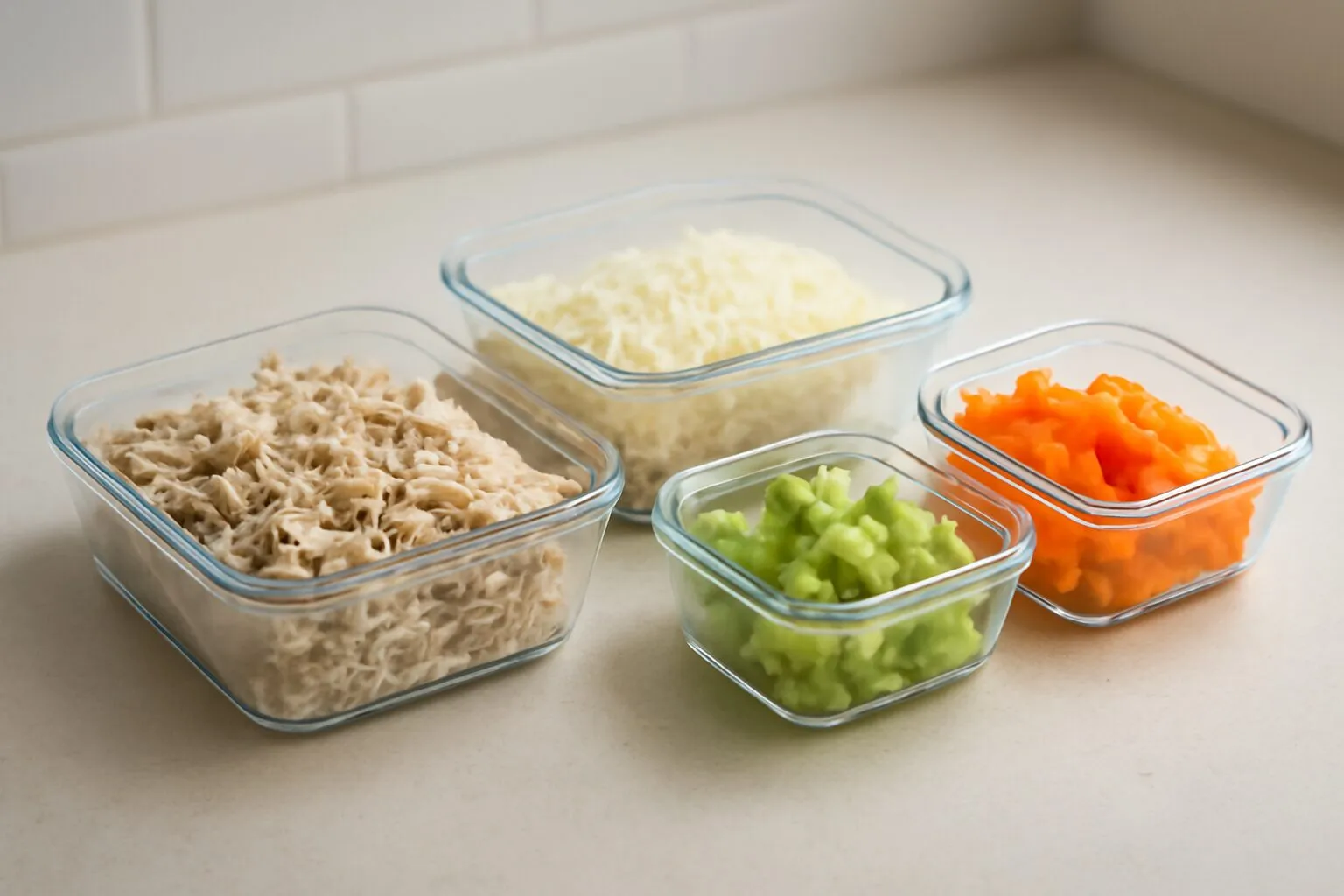
- Cook and shred chicken; store in airtight containers for tacos, sandwiches, pizza.
- Cook bulk rice or quinoa and cool in shallow containers for easy reheating.
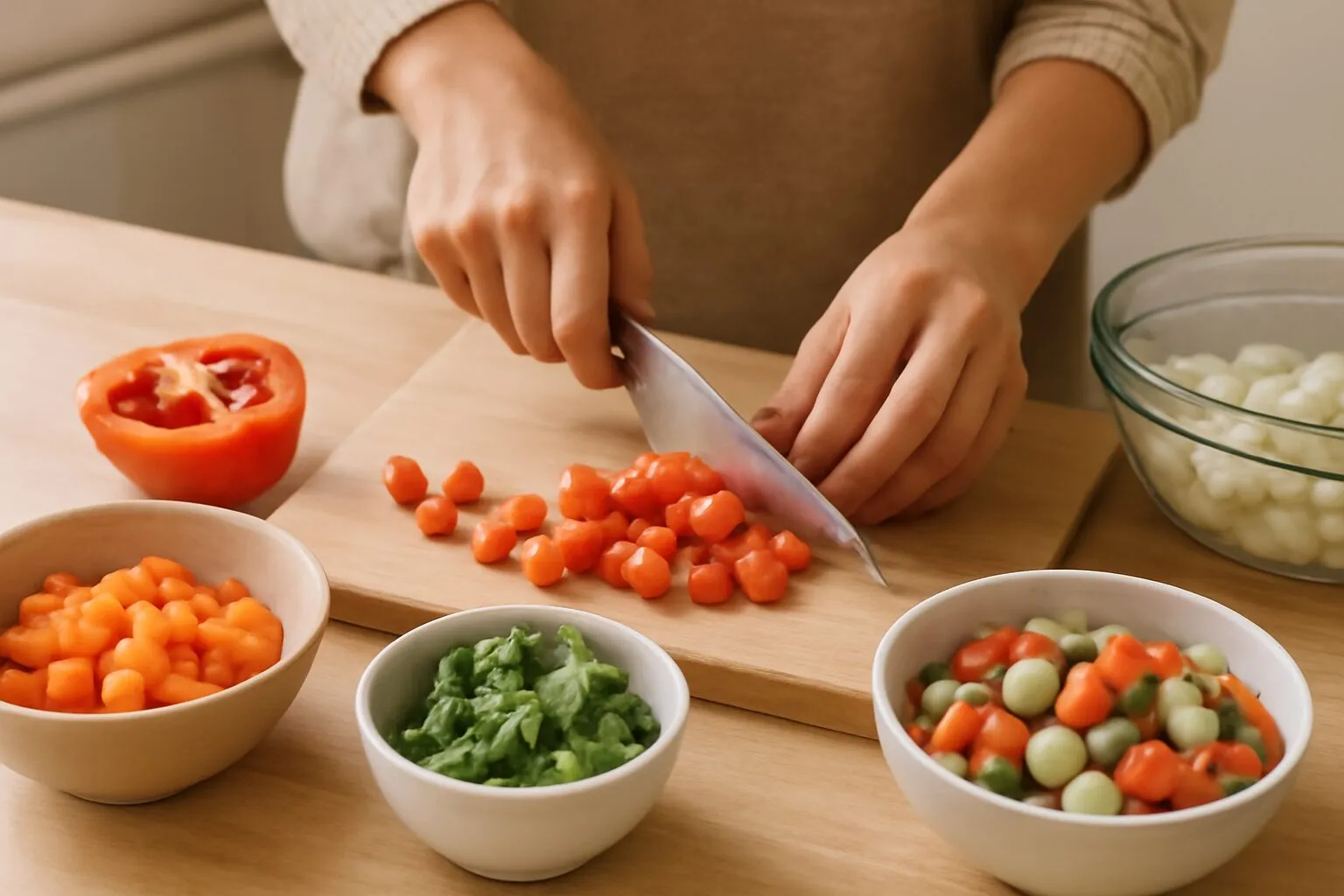
- Chop vegetables for snacking and quick sautés; keep them separated by use (salads, roasted, raw snacks).
- Prepare one versatile sauce (tomato-cream, vinaigrette or yogurt-tahini) to dress several meals.
Customizing for picky eaters, allergies and budgets
Rather than building separate plans, add small, visible indicators on the same sheet: checkboxes or icons for “kid-approved,” “allergen-free” and “budget-friendly.” Mark dishes that avoid common allergens and flag low-cost meals (beans, rice, seasonal veg). For picky eaters, plan one element they control—let them pick a side or the sauce—so they’re more likely to try new mains.
How to package and distribute the files
Provide a single ZIP or a clear download page with labeled files: printable PDF, a Google Sheets copy link (set to make-a-copy) and an Excel file. Include a short readme explaining where to edit the favorites list in the sheet versions and how to print the one-page fridge copy.
Accessibility, printing and compatibility notes
Use high-contrast fonts and a simple layout so the printed planner reads easily on a fridge or in a binder. Offer both A4 and US Letter versions. For editable sheets, keep formulas minimal and avoid macros so the file works reliably on phones and tablets.
Maintenance and habit-building
Pick two small routines to keep the planner useful: update the template every Sunday evening and file past weeks as a rotation bank. Reusing the same four-week rotation can further reduce decision fatigue.
Frequently asked questions
Can I edit the grocery list for my local store?
Yes. Group items by typical store sections (produce, deli/meat, dairy, pantry, frozen). That makes it faster to check items off while you shop.
Which format should I start with?
Start with Google Sheets for collaboration and mobile editing. Use the PDF for a quick printable menu. Choose Excel if you prefer offline editing and want drop-down lists without cloud sharing.
Final note
A focused meal planner saves time and lowers mealtime stress. Include printable and editable formats, grocery and prep fields, and variations for picky eaters, vegetarian households and allergy needs so the same core planner fits different families.